
Kahoot is widely used in schools, coaching classes, and online learning environments to make lessons more interactive. Students usually encounter Kahoot when a teacher asks them to “join a game” using a PIN, while teachers and tutors often need to log in to create or host quizzes.
This guide explains how Kahoot Join and Login work, step by step, in a simple and easy-to-understand way. Whether you are a student joining a quiz or a teacher logging in to manage games, this article will help you avoid confusion and common mistakes.
What Is Kahoot?
Kahoot is an online learning platform that allows teachers and instructors to create quizzes, polls, and interactive questions. Participants join these activities in real time or as assigned practice using a game PIN or link.
Kahoot is commonly used for:
- Classroom revision
- Coaching and tuition classes
- Online teaching
- Homework and practice quizzes
How to Join a Kahoot Game (For Students)
Joining a Kahoot game does not require creating an account in most cases. Students can participate quickly using a game PIN shared by the teacher.
Step-by-Step: Kahoot Join
- Open a browser on your phone, tablet, or computer
- Go to the official Kahoot join page: kahoot.it
- Enter the Game PIN given by your teacher
- Click Enter
- Type your name or nickname (as allowed by the host)
- Wait for the game to start
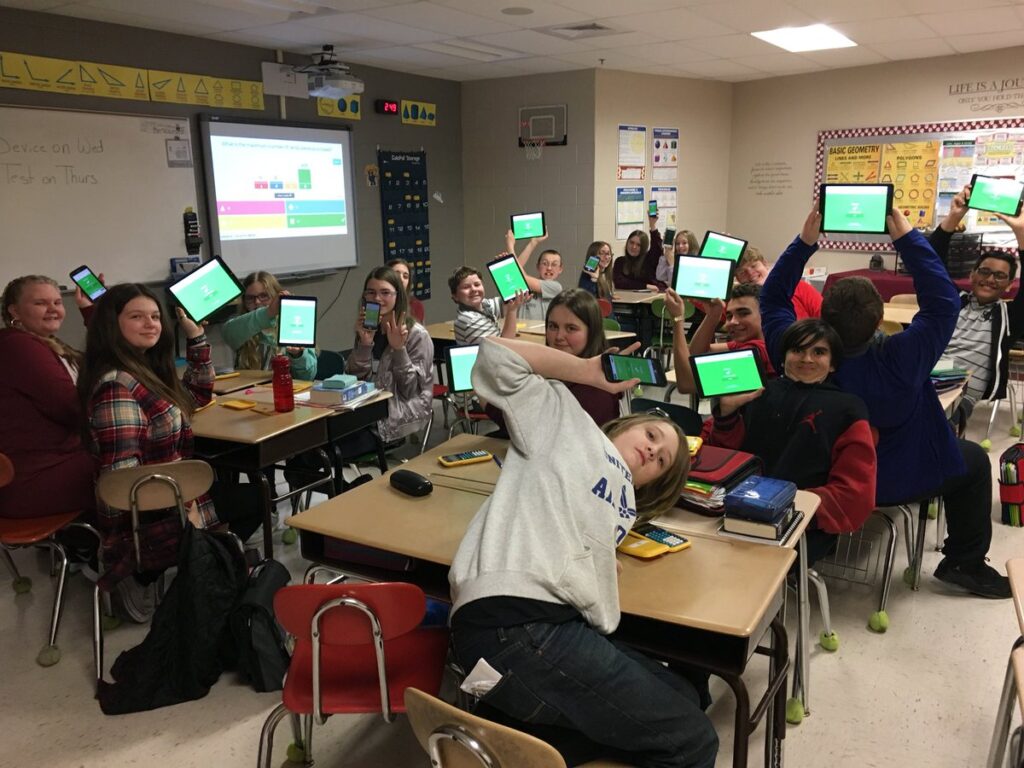
Once the teacher begins the quiz, questions will appear on the main screen, and you can answer them on your device.
Do You Need an Account to Join Kahoot?
No.
Students usually do not need to log in to join a Kahoot game.
However, some teachers may enable settings that require:
- School email login
- Student account sign-in
If login is required, the teacher will inform students in advance.
Common Problems While Joining Kahoot (And Fixes)
Many students face small issues while joining a game. These are usually easy to fix.
If the game PIN does not work, it may have expired or the game may have already ended. Ask the teacher for a new PIN.
If the page does not load, check your internet connection or refresh the browser.
If your name is not accepted, the teacher may have disabled inappropriate nicknames. Try a simple name or your real name.
If Kahoot is blocked on a school network, switching to mobile data often solves the issue.
How to Log In to Kahoot (For Teachers and Tutors)
Teachers, tutors, and content creators need to log in to Kahoot to create quizzes, host games, and view reports.
Step-by-Step: Kahoot Login
- Open a browser and go to kahoot.com
- Click on Log in
- Choose a login method:
- Email and password
- Google account
- Microsoft account
- Enter your details and sign in
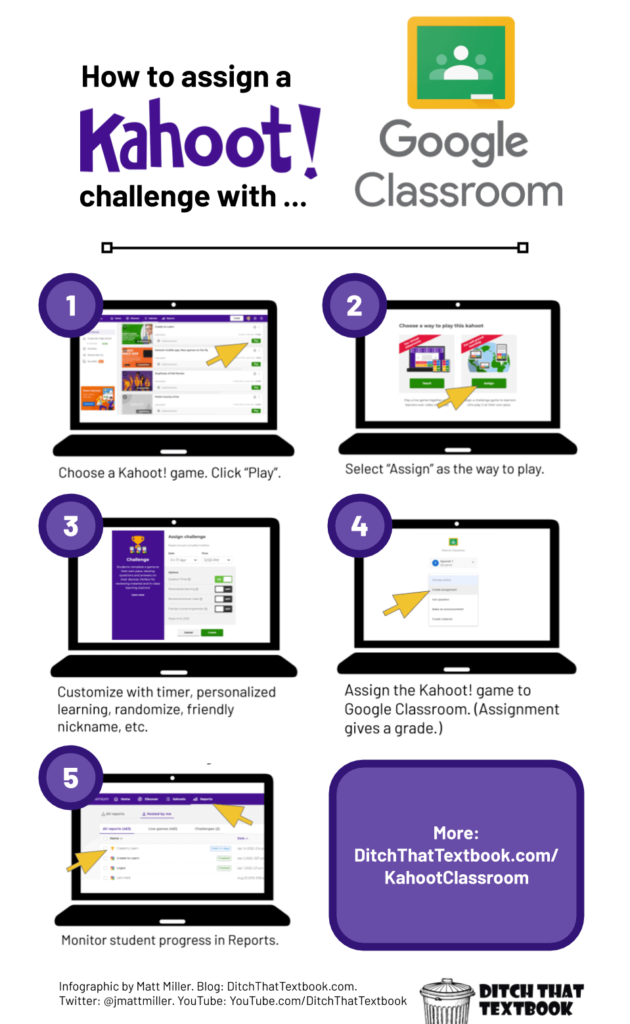
After logging in, you can create quizzes, assign games, host live sessions, and track student progress.
Why Teachers Need to Log In
Logging in allows teachers to:
- Create and save quizzes
- Host live Kahoot games
- Assign quizzes as homework
- View student performance reports
- Reuse or edit previous quizzes
Without logging in, these features are not available.
Difference Between Kahoot Join and Kahoot Login
This is a common point of confusion.
Kahoot Join is for participants (usually students) who want to play a quiz using a game PIN.
Kahoot Login is for teachers or quiz creators who want to manage quizzes and host games.
Students usually join without logging in, while teachers must log in to control the session.
Is Kahoot Safe to Use?
Kahoot is widely used in schools and follows standard online safety practices. Teachers can control:
- Nickname settings
- Who can join games
- Whether login is required
Students should avoid sharing personal information and follow school guidelines while using the platform.
Can Kahoot Be Used on Mobile and Computer?
Yes. Kahoot works on:
- Mobile phones
- Tablets
- Laptops
- Desktop computers
You can use Kahoot through:
- A web browser
- The official Kahoot mobile app
Both options work well for joining and playing quizzes.
Helpful Tips for a Smooth Kahoot Experience
Students should join the game early to avoid missing questions.
Teachers should share the correct game PIN clearly and confirm that all students have joined before starting.
Using a stable internet connection improves performance and prevents delays.
Conclusion
Kahoot Join and Login are simple once you understand their purpose. Students usually join games using a PIN without logging in, while teachers log in to create and manage quizzes.
When used correctly, Kahoot becomes an effective and engaging learning tool for classrooms and coaching environments. Knowing how to join and log in properly helps avoid confusion and ensures a smooth learning experience for everyone.