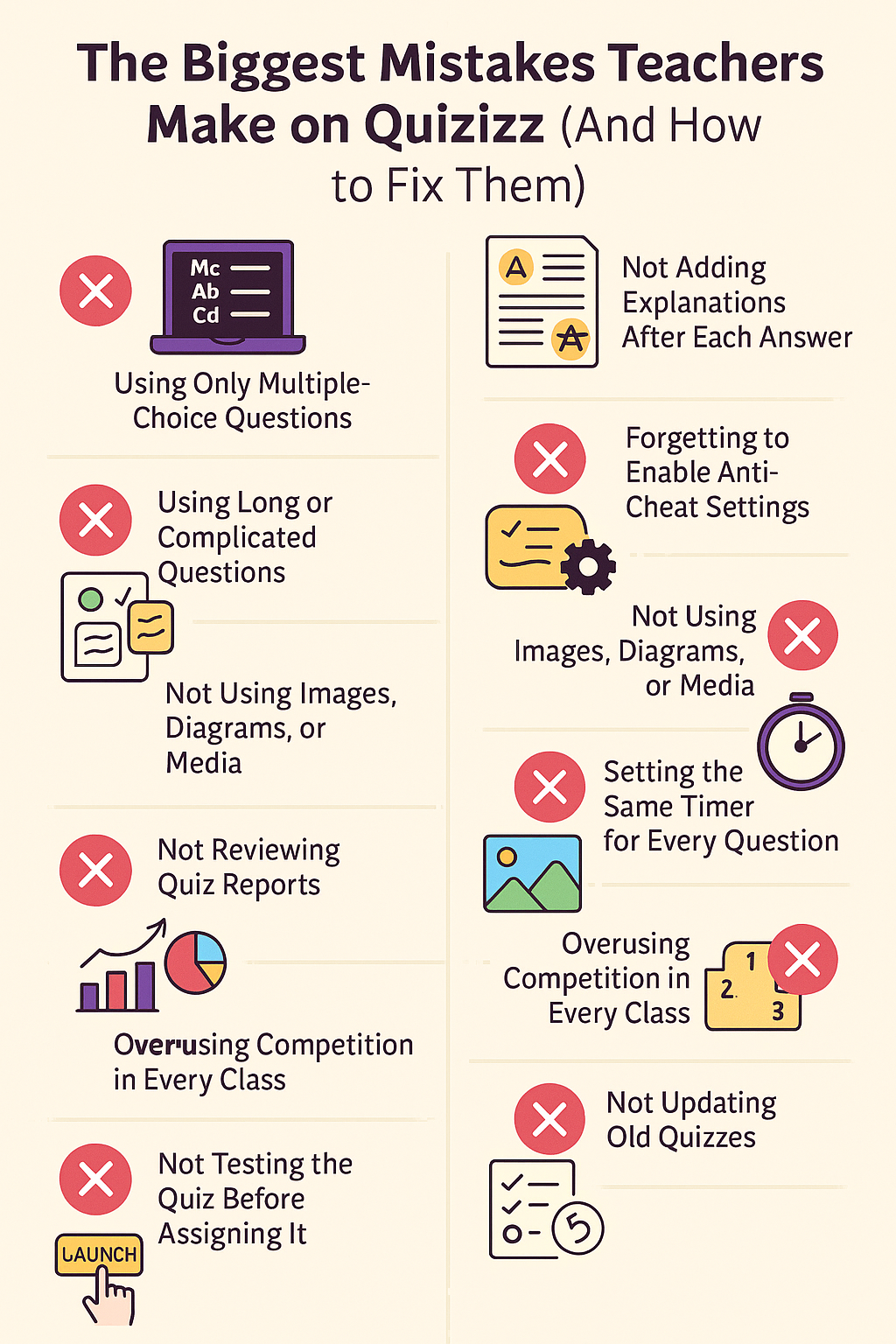
Quizizz is one of the most effective tools for classroom engagement, quick assessments, and fun learning — but many teachers unintentionally use it in ways that limit its full potential.
Here are the most common mistakes teachers make on Quizizz and easy fixes to instantly improve results.
1. Using Only Multiple-Choice Questions
Many teachers rely only on MCQs, making quizzes predictable and less challenging.
✔ Fix
Use a mix of:
- Checkboxes
- Fill-in-the-blank
- Polls
- Open-ended questions
- Drag & drop
- Audio / visual questions
A variety keeps students engaged and tests real understanding.
2. Not Adding Explanations After Each Answer
Without explanations, students learn what the answer is — not why it is correct.
✔ Fix
Add a quick explanation under each question.
This turns every Quizizz session into a mini-lesson, not just a test.
3. Forgetting to Enable Anti-Cheat Settings
If questions aren’t shuffled, students sitting together may copy answers.
✔ Fix
Enable:
- Shuffle questions
- Shuffle answer choices
- Timer control
- Disable options revealing answers too early
These small settings make assessments more accurate.
4. Using Long or Complicated Questions
Students lose interest when questions are too wordy.
✔ Fix
Make questions:
- Short
- Simple
- Focused on one idea
- Easy to read quickly
Quizizz works best with clear, concise question design.
5. Not Using Images, Diagrams, or Media
Many teachers skip visuals — one of Quizizz’s strongest features.
✔ Fix
Add useful media:
- Diagrams
- Maps
- Photos
- Short GIFs
- Charts
- Audio for language learning
Visual questions boost understanding and engagement.
6. Setting the Same Timer for Every Question
Not every question requires equal time.
Short questions with long timers make quizzes boring.
Long questions with short timers make quizzes stressful.
✔ Fix
Time suggestions:
- Easy: 15–30 sec
- Medium: 45–60 sec
- Hard: 90–120 sec
- Open-ended: 180+ sec
Customize timing based on difficulty.
7. Not Reviewing Quiz Reports
Quizizz provides powerful analytics, but many teachers ignore them.
✔ Fix
After the quiz, check:
- Most missed questions
- Individual student performance
- Class accuracy
- Average time spent per question
- Areas needing reteaching
Using reports helps teachers identify real learning gaps.
8. Overusing Competition in Every Class
Leaderboards are fun — but some students feel pressured or anxious.
✔ Fix
Balance competition with:
- Homework mode
- Practice sessions
- Group quizzes
- Poll-based discussions
Use leaderboards occasionally, not always.
9. Not Testing the Quiz Before Assigning It
Typos, wrong answers, or missing images can ruin a live quiz.
✔ Fix
Always press Preview before hosting or assigning.
It takes less than one minute and avoids classroom confusion.
10. Not Updating Old Quizzes
Teachers often reuse old quizzes without checking if the content still matches new chapters, standards, or student understanding levels.
✔ Fix
Review old quizzes every few months:
- Add new questions
- Update explanations
- Replace outdated images
- Improve difficulty balance
Also Read: How Quizizz Supports Different Learning Styles
Conclusion
Quizizz is a powerful tool — when used correctly.
Avoiding these common mistakes can dramatically improve student engagement, quiz accuracy, and classroom learning outcomes.